- Images
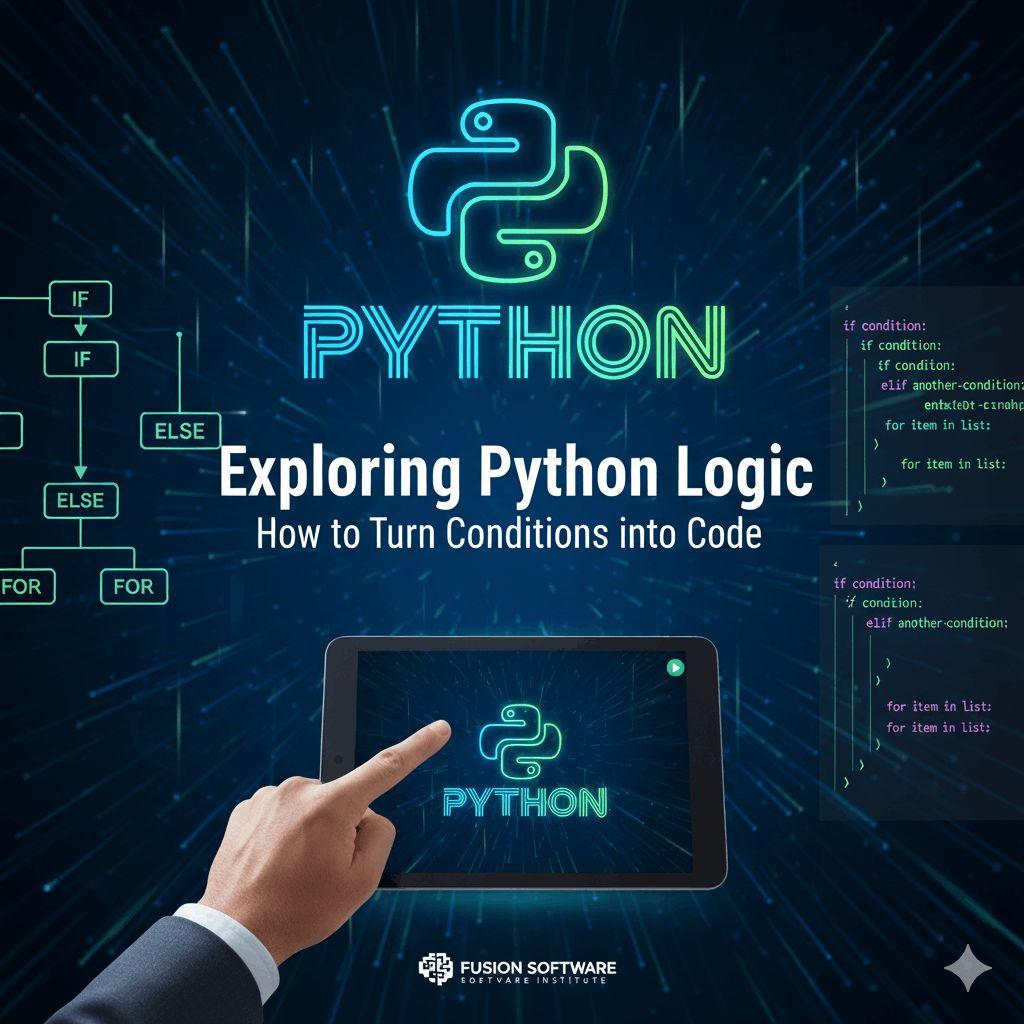
Python has become one of the most popular programming languages in the world, and for good reason. It’s clean, readable, and versatile — perfect for beginners, yet powerful enough for professionals building large-scale applications. But have you ever wondered how Python actually runs your code?
The secret lies in its interpreter and the different modes it offers. Understanding these will not only make you a better Python programmer but also help you write and debug code more efficiently.
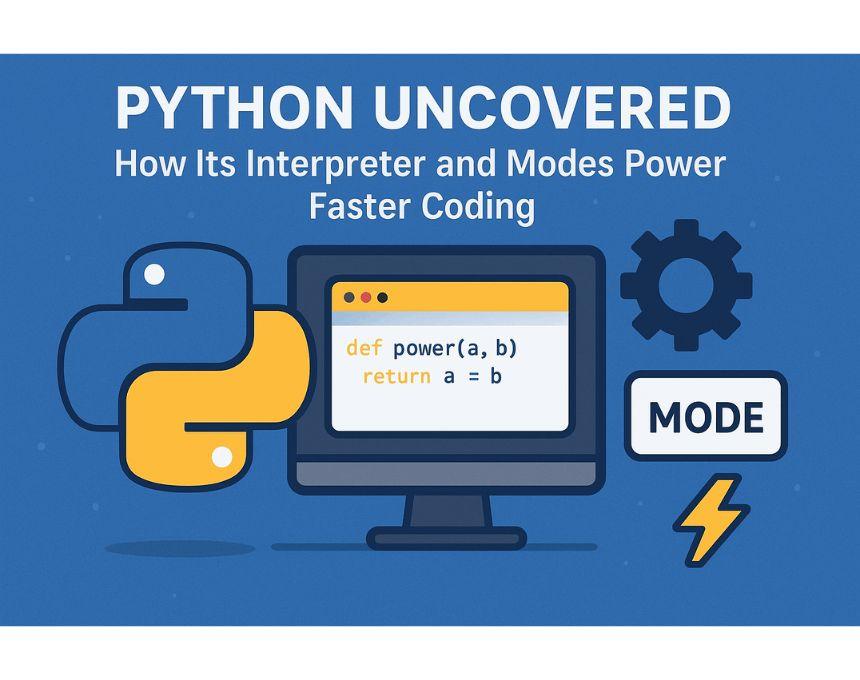
Read More: Python Uncovered: How Its Interpreter and Modes Power Faster Coding
What Is the Python Interpreter?
The Python interpreter is the engine that executes your code. Unlike compiled languages (like C or Java), Python doesn’t need you to convert code into machine language before running it. Instead, the interpreter reads and executes your code line by line, making Python highly interactive and beginner-friendly.
In simple terms:
You write Python code.
The interpreter translates it into bytecode.
The Python Virtual Machine (PVM) executes that bytecode.
This process is what gives Python its flexibility and ease of use.
Why Does the Interpreter Matter?
The interpreter is the reason Python feels fast to write (though not always the fastest to run). It allows you to:
Test ideas quickly without lengthy compile times.
Debug easily since errors are shown immediately.
Run scripts on the fly without worrying about compilation.
For developers who want to build and iterate quickly, this is a game-changer.
Python’s Execution Modes Explained
Python comes with multiple ways to run code. Each mode is suited for different tasks — from experimenting with small snippets to running full-scale programs. Let’s break them down:
1. Interactive Mode
This is where most beginners start. By opening a terminal and typing python (or python3), you enter a prompt (>>>) where you can run code line by line.
Best for:
Testing small code snippets
Quick math calculations
Exploring libraries
2. Script Mode
When you save code in a .py file and run it with:
python myscript.py
…the interpreter executes the whole script. This is how most Python applications are built.
Best for:
Building full applications
Writing reusable programs
Automation scripts
3. IDLE (Integrated Development and Learning Environment)
Python comes bundled with IDLE, a simple editor that combines script and interactive modes. It’s user-friendly for beginners but limited compared to advanced IDEs.
Best for:
Beginners practicing Python
Small experiments
4. Jupyter Notebooks
A favorite among data scientists, Jupyter allows you to write Python in cells that can be executed independently. It’s perfect for mixing code with explanations, graphs, and visuals.
Best for:
Data analysis
Machine learning projects
Interactive documentation
5. Other Modes & Tools
REPL (Read-Eval-Print Loop) – The foundation of Python’s interactive mode.
IPython – A more powerful version of the default interpreter with added features.
How Knowing These Modes Helps You Code Faster
By choosing the right mode, you can:
Speed up debugging by testing snippets interactively.
Write cleaner code by using script mode for structured projects.
Experiment quickly in Jupyter or IDLE before scaling up.
In short, the interpreter and its modes give you the flexibility to work faster and smarter.
Final Thoughts
Python’s popularity isn’t just because of its syntax — it’s because the interpreter makes coding seamless. Whether you’re exploring a new library in interactive mode, running automation scripts, or analyzing data in Jupyter, Python adapts to your needs.
Visit Now: https://fusion-institute.com/pythons-interpreter-and-its-modes-decoded
If you want to code faster and smarter, take advantage of the different execution modes. The more you understand how Python runs, the better (and quicker) your programming journey will be.