- Images
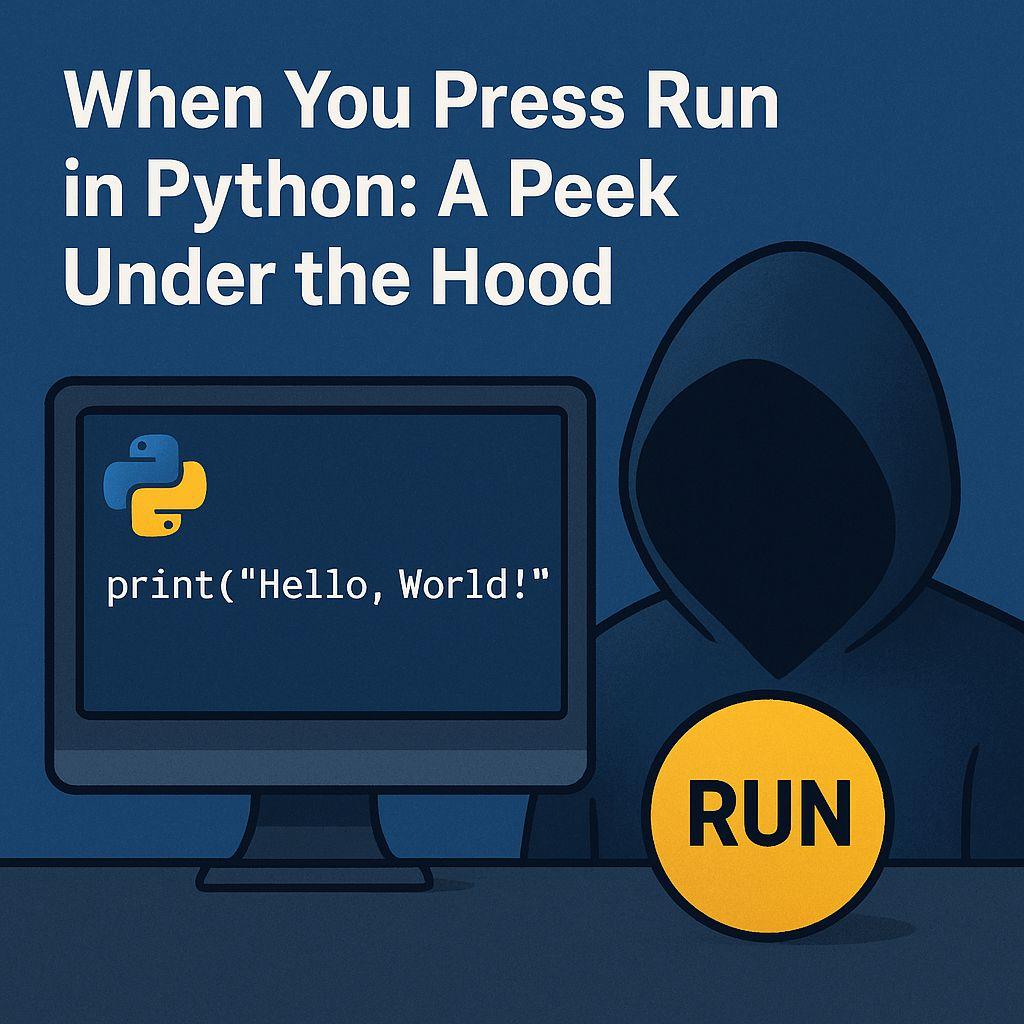
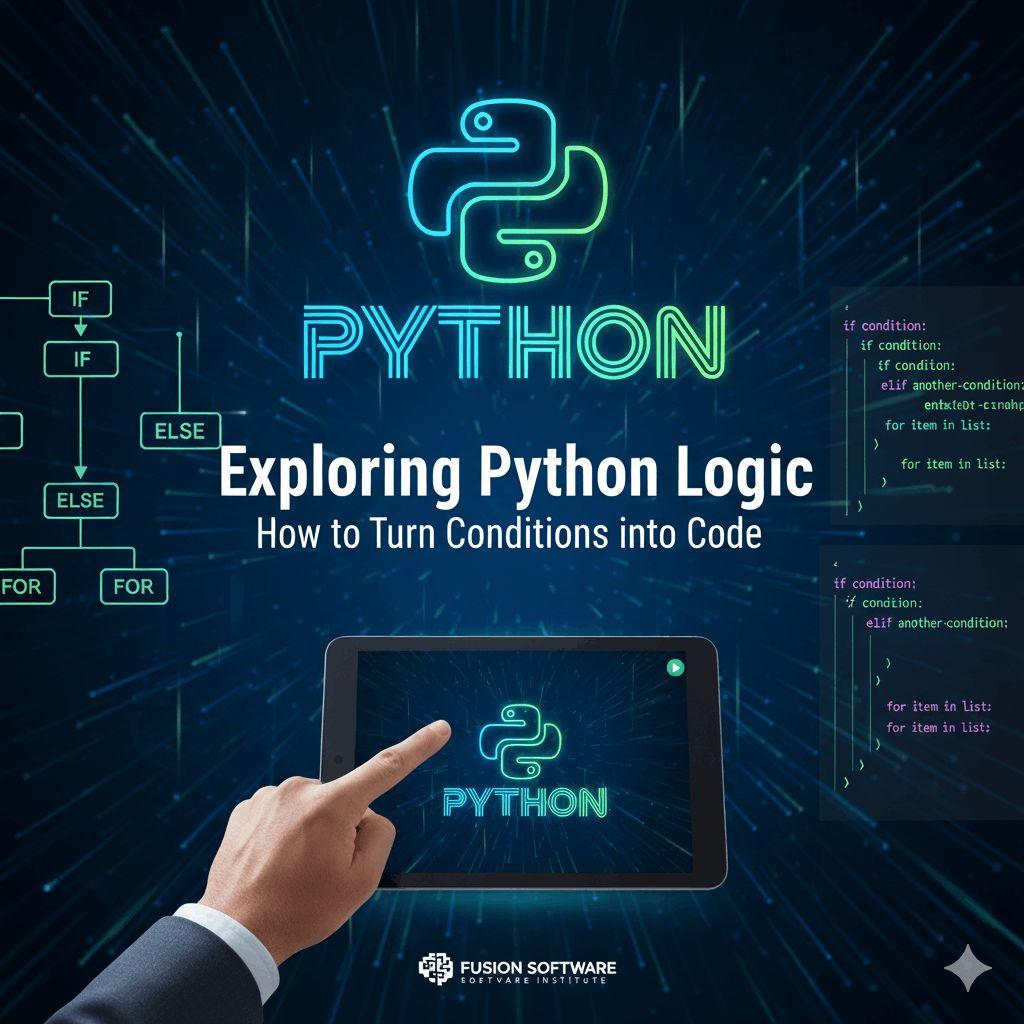
Python is one of the most popular programming languages today, loved for its simplicity and readability. But have you ever stopped to wonder: what really happens behind the scenes when you press Run in Python or hit Enter in the interpreter?
Read More: When You Press Run in Python: A Peek Under the Hood
Let’s take a peek under the hood and break it down step by step.
1. From Code to Bytecode
When you write a Python script and press Run, the first thing Python does is translate your code into something it can understand better.
Python doesn’t run your code directly.
Instead, it compiles your source code (.py file) into bytecode.
This bytecode is a low-level representation of your program, stored in .pyc files inside the __pycache__ folder.
Think of bytecode as Python’s shorthand — it’s faster for the interpreter to process.
2. The Role of the Python Virtual Machine (PVM)
Once your code becomes bytecode, the Python Virtual Machine (PVM) takes over.
The PVM is the engine that reads and executes the bytecode line by line.
It decides how your instructions interact with memory, variables, and system resources.
This step is why Python is sometimes called an interpreted language — the PVM interprets your bytecode at runtime.
3. The Python Interpreter vs. Interactive Mode
If you’re typing code directly into the Python shell and hitting Enter, a similar process happens:
Your command is turned into bytecode.
The PVM executes it right away.
You instantly see the result in your terminal.
That’s why Python feels so interactive and beginner-friendly.
4. Garbage Collection and Memory Management
While your program runs, Python also handles some behind-the-scenes housekeeping:
Memory allocation: Python assigns memory for your variables and data.
Garbage collection: Unused objects are cleaned up automatically so your program doesn’t hog resources.
This is part of what makes Python efficient and convenient compared to lower-level languages.
5. Wrapping It All Up
So, in short, when you press Run in Python:
Your code is compiled into bytecode.
The Python Virtual Machine executes that bytecode.
The interpreter manages memory, cleans up unused data, and shows you the results.
Understanding this process not only satisfies curiosity but also makes you a better Python programmer. It helps you debug smarter, write optimized code, and appreciate the elegant design of Python.
Visit Here: https://www.fusion-institute.com/python-whispered-what-happens-when-you-press-run-or-hit-enter
Final Thoughts
The next time you hit Run or press Enter in Python, remember that there’s a lot going on under the surface. From compilation to execution, Python is working hard to turn your instructions into action. If you found this breakdown helpful, share it with fellow learners — and keep exploring the fascinating world of Python!