- Images
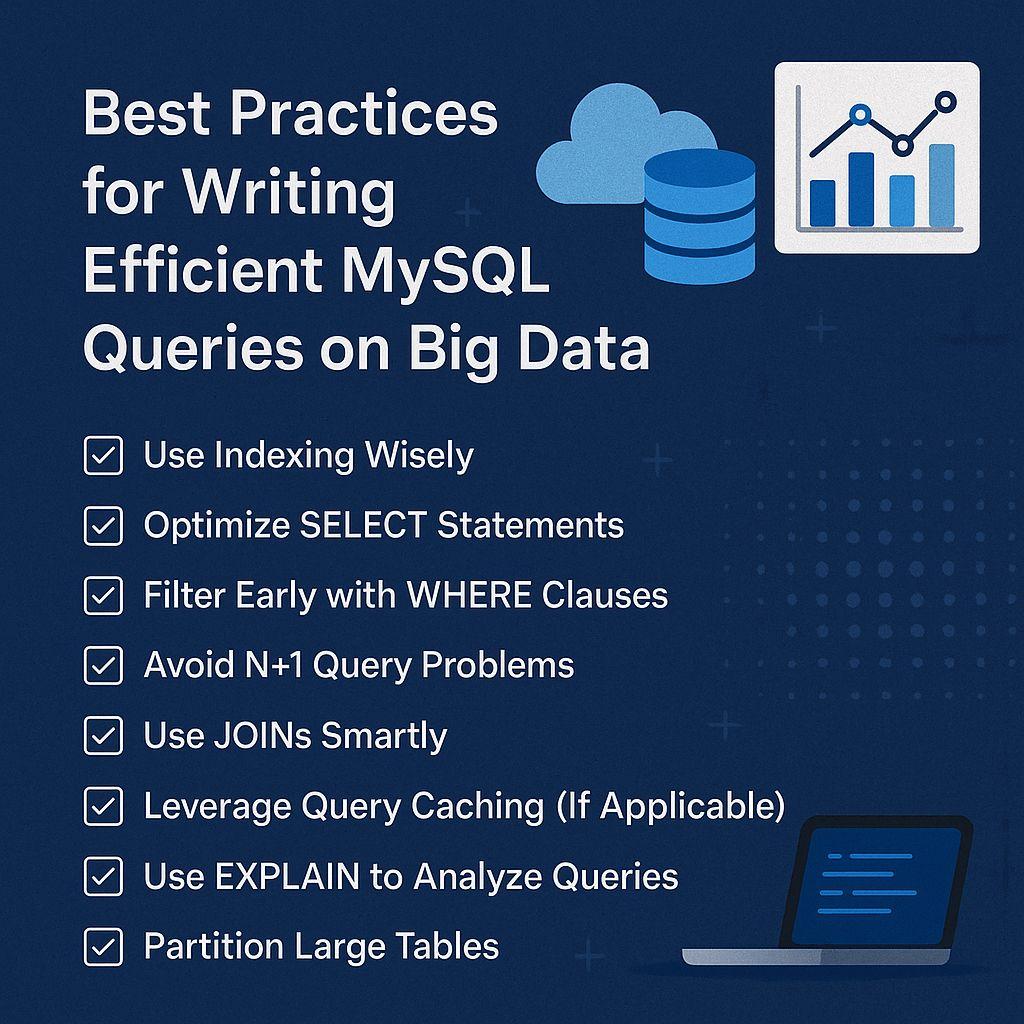
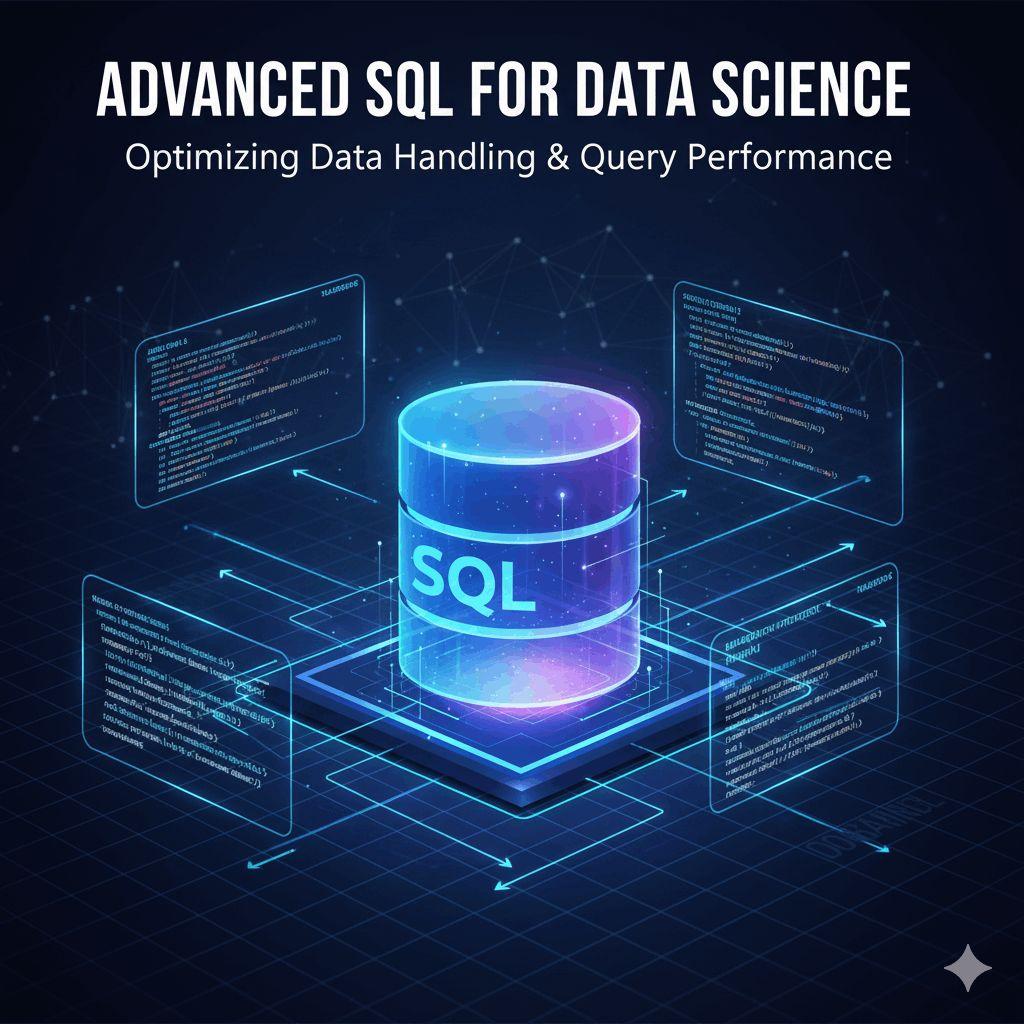
Managing large datasets with MySQL can be challenging. As your data grows, poorly written queries can slow down your application, increase server load, and create bottlenecks. To maintain performance and scalability, it's essential to write efficient MySQL queries tailored for big data environments. In this blog, we'll explore the best practices for writing optimized MySQL queries when working with large datasets. Whether you're a database administrator, backend developer, or data analyst, these techniques will help you save time, reduce costs, and improve overall database performance.
Read More: Best Practices for Writing Efficient MySQL Queries on Big Data
1. Use Indexing Wisely
Indexes are critical for speeding up query performance, especially on large datasets. Without indexes, MySQL must perform full table scans, which are slow and resource-intensive.
✅ Tips for Effective Indexing:
Index columns used in WHERE, JOIN, ORDER BY, and GROUP BY clauses.
Use composite indexes for multiple-column filtering.
Avoid over-indexing, as it can slow down INSERT, UPDATE, and DELETE operations.
Regularly analyze and optimize indexes using EXPLAIN and tools like pt-index-usage.
2. Optimize SELECT Statements
Using SELECT * retrieves all columns, even when you only need a few. On large tables, this significantly increases the amount of data transferred and processed.
✅ Best Practices:
Only select the columns you need.
Avoid unnecessary subqueries and use joins appropriately.
Use LIMIT to paginate results, especially when displaying large lists.
3. Filter Early with WHERE Clauses
Filtering your data early using WHERE clauses minimizes the dataset size MySQL needs to work with. This helps reduce memory usage and speeds up query execution.
✅ How to Do It Right:
Write specific, highly selective WHERE clauses.
Filter on indexed columns whenever possible.
Avoid using functions on columns in WHERE clauses (e.g., WHERE YEAR(date) = 2025) as they prevent index usage.
4. Avoid N+1 Query Problems
The N+1 query problem occurs when you make one query to fetch a list of items and then additional queries for each item. This is inefficient and slow, especially on big datasets.
✅ Solution:
Use JOINs or subqueries to fetch related data in a single query.
Consider using IN or EXISTS clauses when appropriate.
5. Use JOINs Smartly
JOINs are powerful but can quickly become a performance bottleneck if misused.
✅ JOIN Optimization Tips:
Always JOIN on indexed columns.
Use INNER JOIN instead of OUTER JOIN when possible.
Avoid joining too many tables in one query unless absolutely necessary.
6. Leverage Query Caching (If Applicable)
Query caching can help reduce the number of repeated query executions, improving performance on frequently accessed data.
✅ Notes:
In MySQL 5.7 and earlier, you can use built-in query cache features.
For newer versions or larger systems, consider external caching tools like Redis or Memcached.
Always profile your query patterns before relying on caching.
7. Use EXPLAIN to Analyze Queries
MySQL's EXPLAIN command shows how a query is executed and whether it uses indexes. It helps identify slow queries and optimize them.
✅ What to Look For:
Ensure queries are using indexes, not performing full table scans.
Check the number of rows examined.
Look out for Using temporary and Using filesort, which can slow down performance.
8. Partition Large Tables
Partitioning allows you to divide large tables into smaller, manageable chunks, which can drastically improve query speed.
✅ Partitioning Options:
Range Partitioning: Divide by date or ID range.
List Partitioning: Divide based on predefined values.
Use partitioning with care—only when it matches your query patterns.
9. Archive or Purge Old Data
Don’t keep data you no longer need. Old logs, obsolete user data, or processed transactions can be archived or purged to keep your tables lean.
✅ Tips:
Create archival scripts or background jobs.
Store historical data in separate archive tables or databases.
10. Monitor and Tune Regularly
Database performance isn't static. As data grows and user behavior changes, your queries need regular evaluation.
✅ Tools You Can Use:
MySQL’s slow query log
performance_schema
Monitoring tools like Percona Toolkit, New Relic, or Datadog
Visit Here: https://www.fusion-institute.com/write-efficient-mysql-queries-for-large-datasets
Final Thoughts
Writing efficient MySQL queries for big data is both an art and a science. With proper indexing, query structuring, partitioning, and ongoing monitoring, you can achieve significant performance gains—even with massive datasets.
Remember: performance optimization is an ongoing process. Always test your changes, monitor impacts, and stay updated with MySQL best practices.